Lesson 3 of 19 · 7 min read
Compare the agent's capability surfaces
Separate model choice from runtime composition. Compare Standard, Code, Minimal, and Creator by the tools, policies, and evidence each exposes.
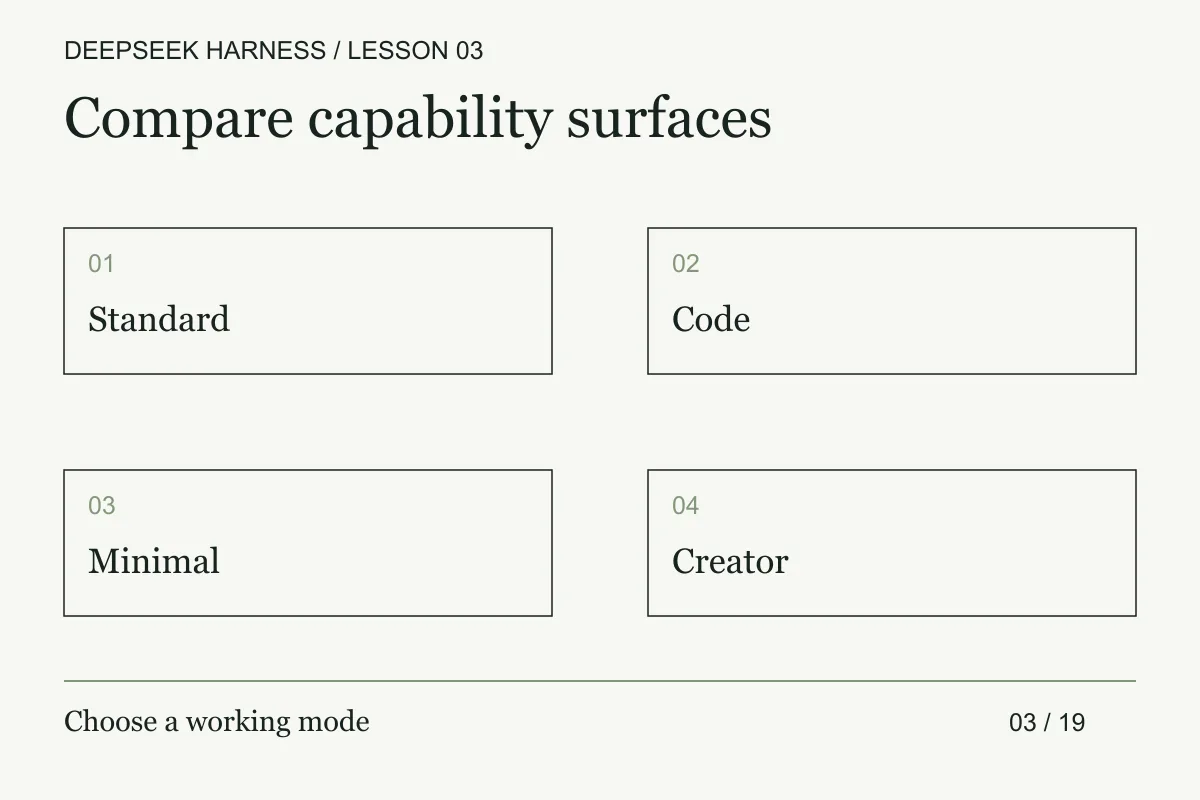
Course syllabus · lesson 3 of 19
In this lesson
You already know that changing the model is not the same as changing the runtime around it. A file rename and an experiment on agent behavior need different capability surfaces. DeepSeek Harness ships several agent modes so you can compare the tools, policies, and composition surrounding a model. Use the same practice repository from the reproducible-run lesson.
Change one capability variable
The official mode descriptions distinguish four choices. Treat those descriptions as hypotheses to verify against the installed composition. Change one mode or policy variable at a time, then inspect the actual tools and permissions before comparing the resulting evidence.
The current Minimal preset source exposes one persistent shell: bash on POSIX or PowerShell on Windows. It omits context compaction. The product page still describes bash plus str_replace_editor; this lesson follows the checked-in preset. Check your installed version before comparing runs. A smaller tool list does not make shell execution harmless.
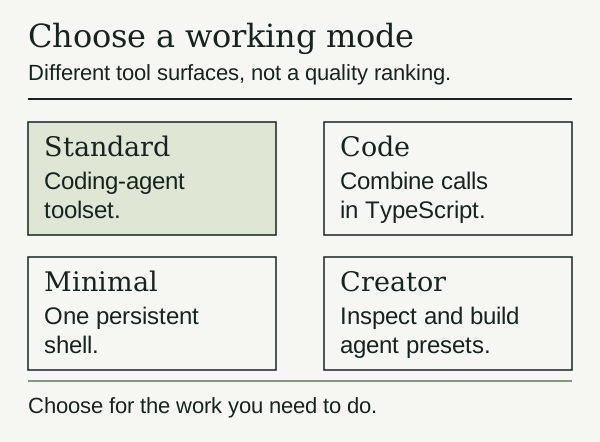
For the first repository fix, I would start with Standard. It gives you a useful baseline before you change the agent's environment. Try Code when you want to inspect how a task combines operations. Use Minimal when the limited tool setup is part of your experiment. Creator makes sense when the composition itself is what you want to build.
Those are suggested uses. They are not benchmark results.
Change one variable
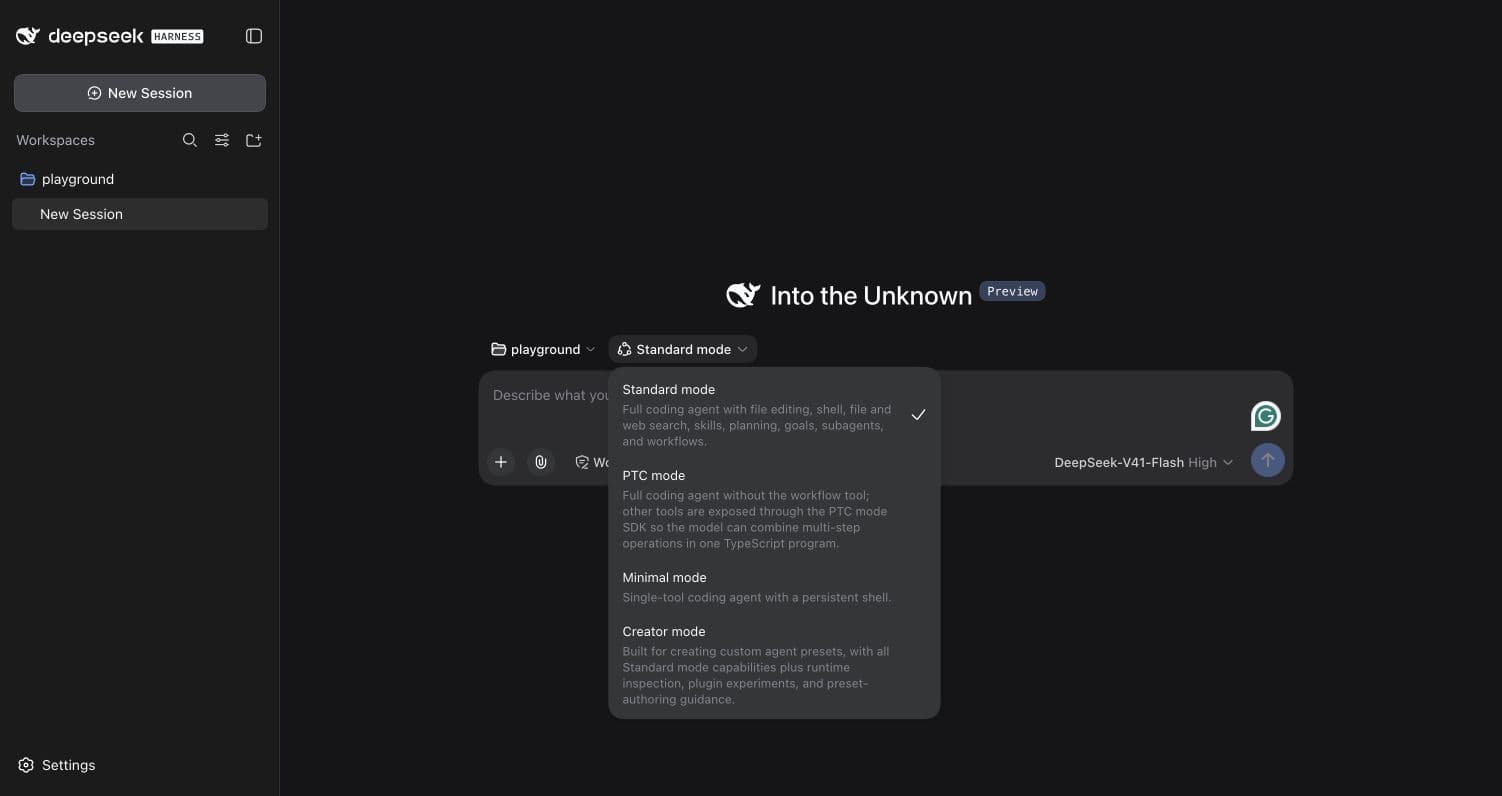
Select a mode in the Web UI's agent preset menu before starting your practice task. Use separate sessions and identical fresh copies of the repository for a comparison. Otherwise, the second run may benefit from the first run's edits.
Locate the function that handles an empty basket.
Read its tests and identify one missing boundary case.
Propose a test and explain the expected result.
Do not edit files yet.
Keep the model, prompt, and repository revision the same. Record the selected mode and the tools the agent uses. Check whether the suggested test describes a real requirement. A test that simply repeats the current implementation can pass while preserving a bug.
If you later allow an edit, record the final diff and actual test result too. More tool calls may mean thorough inspection or wasted work. Fewer may mean efficient selection or a missed dependency. You need the result to tell them apart.
Read a mode as a capability matrix
Before you compare answers, build a matrix with one row per run and separate columns for composition, model route, tool exposure, policy, state, and evidence. Do not collapse these into a single “mode” label. A mode may change the available tools while the model and prompt stay fixed. A policy may deny a call that the composition still exposes. A previous session may retain state that makes its second answer incomparable with a fresh session.
For each mode, capture the observed tool manifest before the task, the calls actually made, and the calls the agent requested but could not make. The difference matters. A tool that exists but is never selected is a capability. A tool call that was attempted and denied is a policy event. A tool that is absent cannot be explained by a prompt instruction to avoid it.
Use a differential task with one read-only phase and one deliberately blocked mutating phase. First ask the agent to locate a real test and cite its path. Then ask it to add a harmless marker without granting write authority. Compare whether each mode explains the denial, preserves the requested boundary, and returns enough evidence to continue. This tests control behavior, not a model-quality ranking.
Record side effects between runs. Reset the repository, clear generated files, and start a new session. If a mode writes caches or changes a session log, keep that fact in the manifest. A lower tool count can reduce the number of available actions while leaving the remaining shell or code runtime powerful enough to make broad changes.
Profiles answer another question
The CLI's profiles control how the application runs. Its CLI reference lists Web, headless, and SDK entry points. dsh web is an alias for the Web profile. Agent modes describe the agent composition used for a task; do not assume a mode label is a CLI subcommand.
If a preview update changes the available presets, inspect the installed choices and the matching documentation before reusing an old experiment. Record the version with your results so a later comparison has a defined starting point.
Before you move on
Try it in your workspace
Choose one repository task and compare two capability surfaces. Change one mode or policy variable at a time, then verify the actual tool manifest and resulting permissions.
Keep a short note of what you tried, what passed, and what you still need to check.
0 of 3 checked.
Saved in this browser when storage is available. Uncheck any item to revisit it. This is your own record, not an assessment.