Lesson 19 of 19 · 10 min read
Orchestrate a repository audit with workflows
Use a plain JavaScript workflow to fan an audit out to subagents, settle one result, and verify the repository outside the agent's report.
Course syllabus · lesson 19 of 19
In this lesson
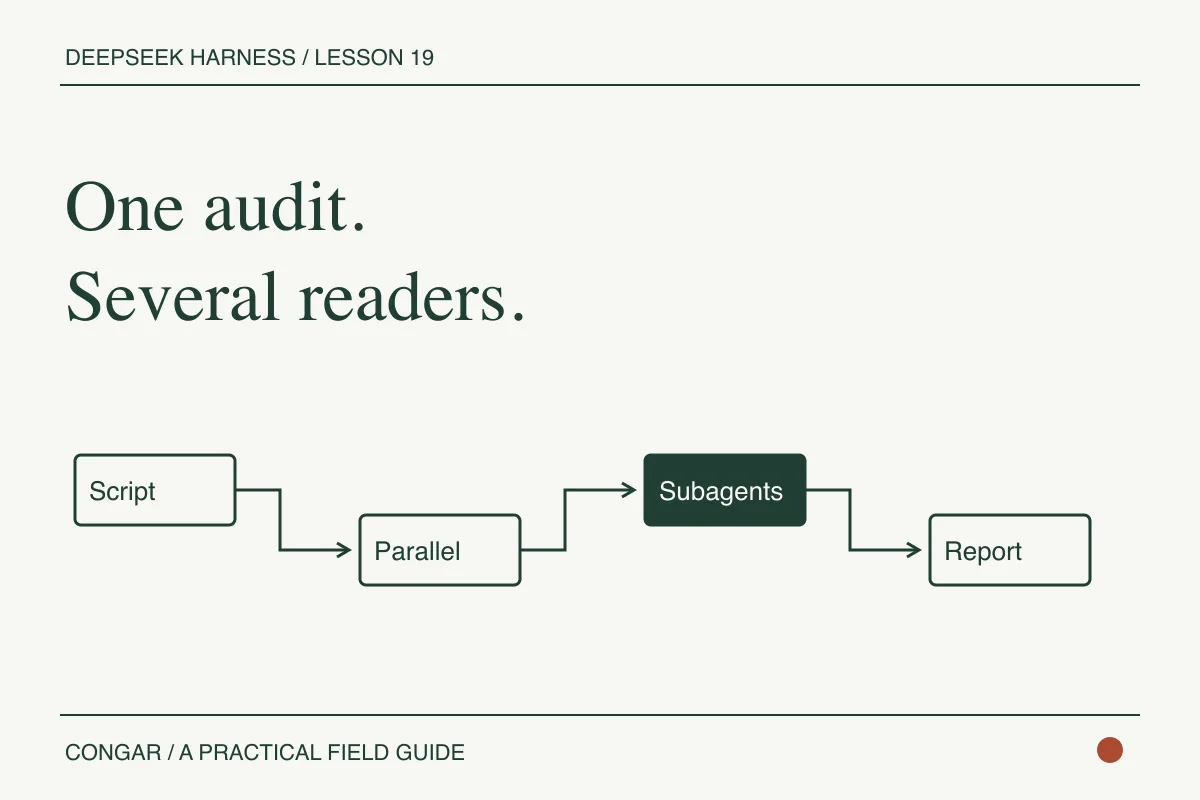
One subagent is useful when you have one focused question. A workflow earns its place when the task has independent pieces, explicit joins, and one script should coordinate them. DeepSeek Harness's workflow capability runs a plain JavaScript body with top-level await, fans work out through agent(), parallel(), or pipeline(), and returns the script's final JSON value to the parent.
This is the orchestration pattern in the series. The script can coordinate work, but it does not make the work trustworthy by itself. A child can fail, a model can misunderstand a file, and a report can describe a change that never landed. Keep the final check outside the agent's self-report and make the join state explicit.
Split an audit into independent reads
Open the Standard preset in the source checkout and confirm that the workflow and subagent rows are mounted. Then run a workflow with a prompt that names independent, read-only jobs:
const reviews = await parallel([
  () => agent('Review src/components/articles/article-shell.tsx for keyboard and semantic HTML risks. Do not edit files.'),
  () => agent('Review src/lib/articles/relations.ts for broken series-boundary behavior. Do not edit files.'),
  () => agent('Review scripts/validate-article-content.mjs for false positives around fenced examples. Do not edit files.'),
])

return {
  completed: reviews.filter(Boolean).length,
  reports: reviews,
}
The workflow body is JavaScript, not TypeScript. It must end with a JSON-compatible return. Change the paths to match your repository. Keep the first run read-only so you can inspect the coordination behavior without asking several agents to mutate the same tree.
Understand the result contract
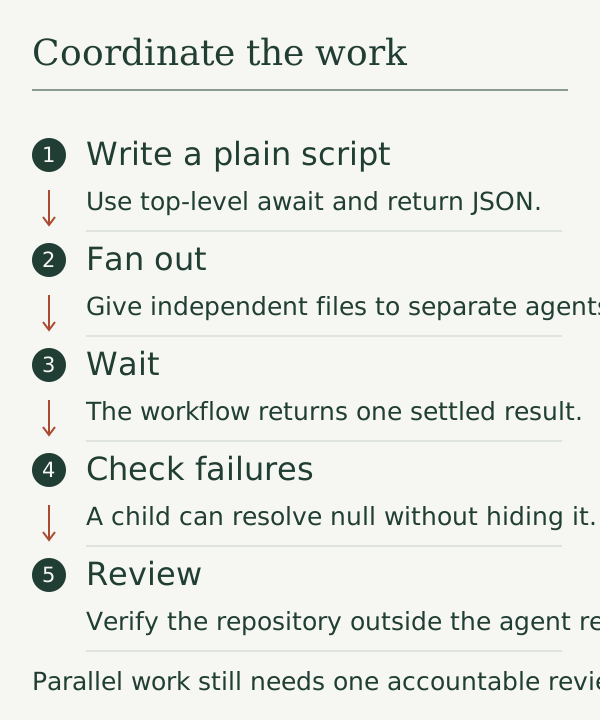
The model-facing workflow tool submits meta, script, and optional args. The parent turn waits for the whole workflow and receives one settled result. It does not receive every child message as an ordinary parent conversation turn.
An ordinary child failure resolves as null, so the script has to count or report missing results. A parse error, malformed metadata, unavailable provider route, or unsupported limit fails before a workflow run exists. Hook misuse also stops the script loudly. Those are different failure classes, and the report should keep them separate.
For one or two delegations, the upstream reference recommends a plain subagent call instead. Use parallel() for independent work that benefits from one shared coordinator. Use pipeline() when a later stage should consume an earlier result. Do not parallelize edits that can collide, migrations that require one order, or commands whose effects you have not isolated.
Verify the repository, not the prose
Save the workflow result, then perform the checks from the host:
git diff --check
npm test -- --run
Make workflow contracts machine-checkable
The audit body becomes safer when each stage has an input and output contract. Define the revision each reviewer inspected, the role it owns, the paths it may cite, the maximum result size, and the status values the parent accepts. Reject a result that has prose but no role, revision, finding location, or completion status. The parent can still preserve it for debugging, but it should not pass it to a writer as approved evidence.
Treat the workflow as a small state machine:
planned -> running -> joined -> verified -> handed-off
                    |          |
                    v          v
                 failed     needs-review
joined means the child outputs arrived. verified means the host checked their shape, revision, and referenced files. handed-off means a person or an explicitly authorized writer received a bounded next action. These states should not collapse into one success boolean.
Exercise the edges with fake hooks: one child returns null, one returns an empty string, one exceeds its result limit, one times out, and one returns a finding for a changed revision. Assert that the workflow retains which role failed and refuses to authorize a mutation. For a live run, capture the stage events and compare them with the local state-machine expectations. Do not infer cancellation or cleanup from a missing final message.
Re-read any file a report claims to have changed. For a mutating workflow, compare the complete workspace tree and confirm untouched files stayed byte-identical. The project's testing guidance makes this distinction explicit: a keyword in the agent's response is not proof that the world changed as described.
That is the useful boundary for advanced harness work. Let the agent coordinate exploration. Let the host decide whether the evidence is enough to accept a patch.
Return to the comparison exercise and test the exact workflow requirement against another harness.
Before you move on
Try it in your workspace
Design one multi-stage workflow with explicit inputs, outputs, timeouts, failure states, and a final external verifier. Keep orchestration accountable to a single reviewable result.
Keep a short note of what you tried, what passed, and what you still need to check.
0 of 3 checked.
Saved in this browser when storage is available. Uncheck any item to revisit it. This is your own record, not an assessment.