Lesson 4 of 19 · 7 min read
Trace the extension seam
Use a no-op startup module to inspect plugin loading, dependency ownership, cleanup, and overlay boundaries before adding a model-facing tool.
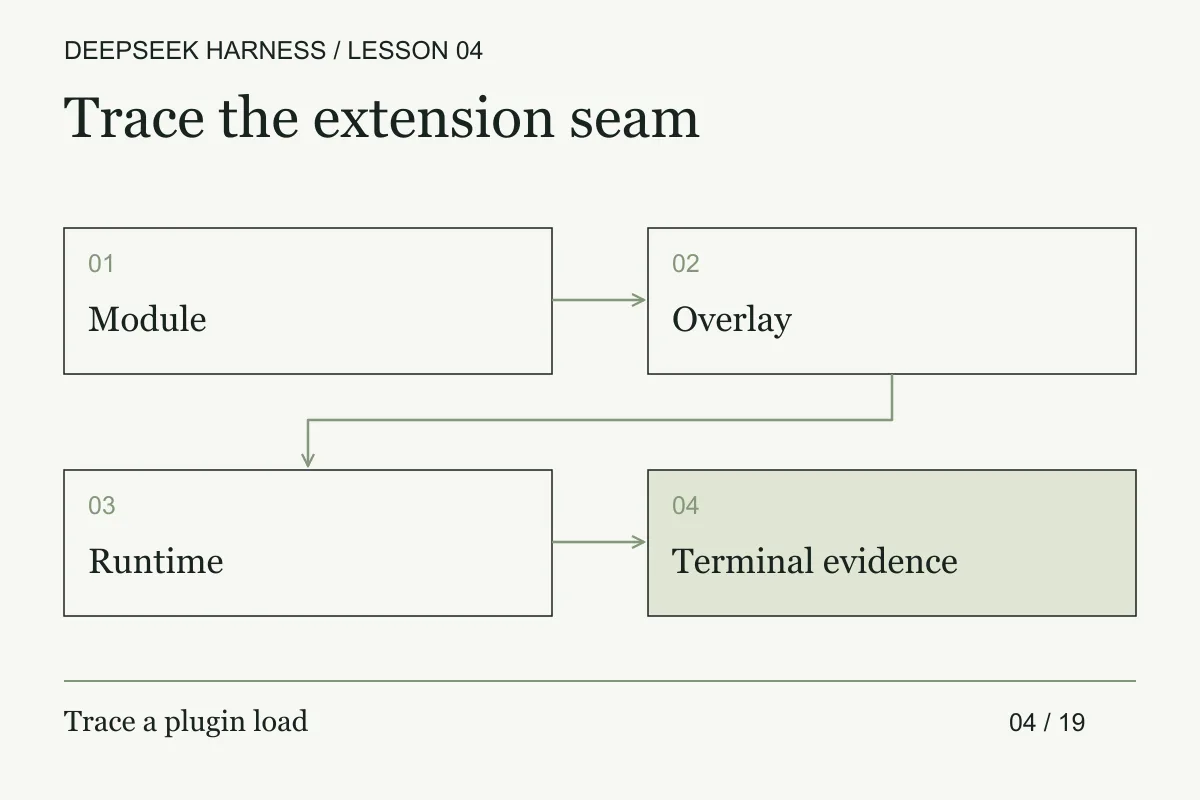
Course syllabus · lesson 4 of 19
In this lesson
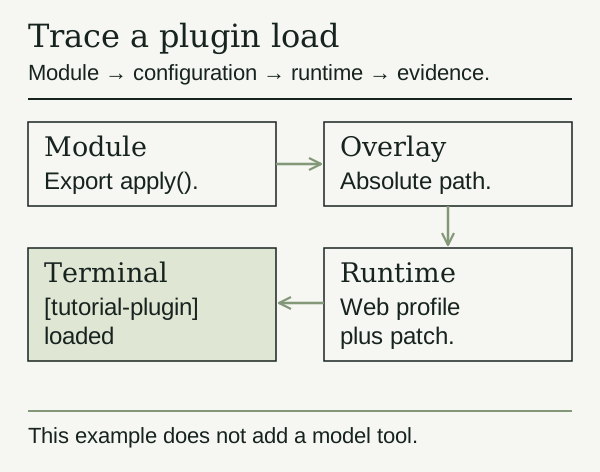
An architecture becomes easier to judge when you isolate one extension seam. This exercise loads a module that prints a message at startup. It does not add a model tool or run an agent task, so you can distinguish plugin loading, dependency wiring, and cleanup from model behavior.
Use the dedicated environment from the reproducible-run lesson. This lesson follows the repository's source workflow, which needs Git, Node.js, and pnpm. The preview can introduce breaking changes, so check the official source instructions if an installation fails.
Prepare a controlled source checkout
git clone https://github.com/deepseek-ai/deepseek-harness.git
cd deepseek-harness
pnpm install
pnpm run build
mkdir -p scratch-plugin/src
These commands install dependencies and build the project. Review what you are installing before running them. If you already have a built checkout for this exercise, create the scratch directory there.
Write the plugin
Create scratch-plugin/src/my-plugin.ts with this small variation of the official example.
export const name = 'tutorial-plugin';

export function apply() {
  console.log('[tutorial-plugin] loaded');
}
Cordis calls apply when it loads the plugin. A plugin can receive a context argument to register capabilities. This one needs no context because its only action is a console message.
Add the overlay and run it
Run pwd in the repository root. Create scratch-plugin/cordis.yml and replace /absolute/path/to/deepseek-harness below with that printed path. Keep the quotes, especially if the path contains spaces.
- insert:
    - id: tutorial
      name: '/absolute/path/to/deepseek-harness/scratch-plugin/src/my-plugin.ts'
The absolute path matters. The overlay's directory does not become the base directory for resolving plugin modules.
pnpm dsh web --patch ./scratch-plugin/cordis.yml
Look in the terminal running the server for [tutorial-plugin] loaded. If the Web server is already running on the same port, stop that practice server first. If loading fails, check the absolute file path and the preceding build result before changing the plugin.
To run without the example, stop the server and restart it with pnpm dsh web, omitting this overlay. The scratch files can remain for comparison.
Test the lifecycle before adding capability
The startup example only covers the load edge. A useful plugin contract also has a dependency edge, an error edge, and a teardown edge. Write those down before you register a tool:
| Phase | Question | Evidence |
| --- | --- | --- |
| Load | Was the module resolved from the path you reviewed? | startup event and revision |
| Compose | Which service or plugin must exist first? | dependency declaration |
| Activate | What registration does apply perform? | tool or hook manifest |
| Fail | What happens when the dependency is missing? | refused composition or clear error |
| Dispose | Which listener, timer, or process is cleaned up? | teardown event or test |
The failure cases are where extensions become operational code. Make a copy of the overlay with an invalid path and another with a plugin that throws during activation. Check whether the host refuses to start, reports the failing module, and leaves the previous process untouched. Stop the process and repeat the startup test. A stale listener or duplicate registration means the plugin owns a resource it did not clean up.
When the plugin grows, keep the model-facing surface behind a narrow function. The plugin can translate a typed request into a host operation, but it should not silently inherit every service available in the composition. Make policy a separate check so a schema change does not accidentally grant a new file or network capability.
Write one contract test that loads the plugin in a fake context and one integration check that observes its registration in the real composition. Keep the tests distinct. The first catches lifecycle mistakes quickly; the second proves the overlay path, module resolution, and runtime wiring you actually intend to use.
Know when the example stops being small
The next useful extension might register a tool or depend on an existing service. DeepSeek's tutorial uses inject to declare required services and ctx.effect() to register explicit cleanup for resources. Follow those contracts when you add resources that outlive apply.
Installing someone else's plugin is a separate trust decision. The installation guide warns that permitted package build steps can execute on the host outside the agent sandbox. Read the source and pin the revision you reviewed.
Before you move on
Try it in your workspace
Treat the startup plugin as a seam test. Inspect load order, dependency ownership, cleanup, and failure behavior, then prove that the overlay can be removed without changing the baseline.
Keep a short note of what you tried, what passed, and what you still need to check.
0 of 3 checked.
Saved in this browser when storage is available. Uncheck any item to revisit it. This is your own record, not an assessment.