Lesson 12 of 19 · 11 min read
Build a tool your workflow can trust
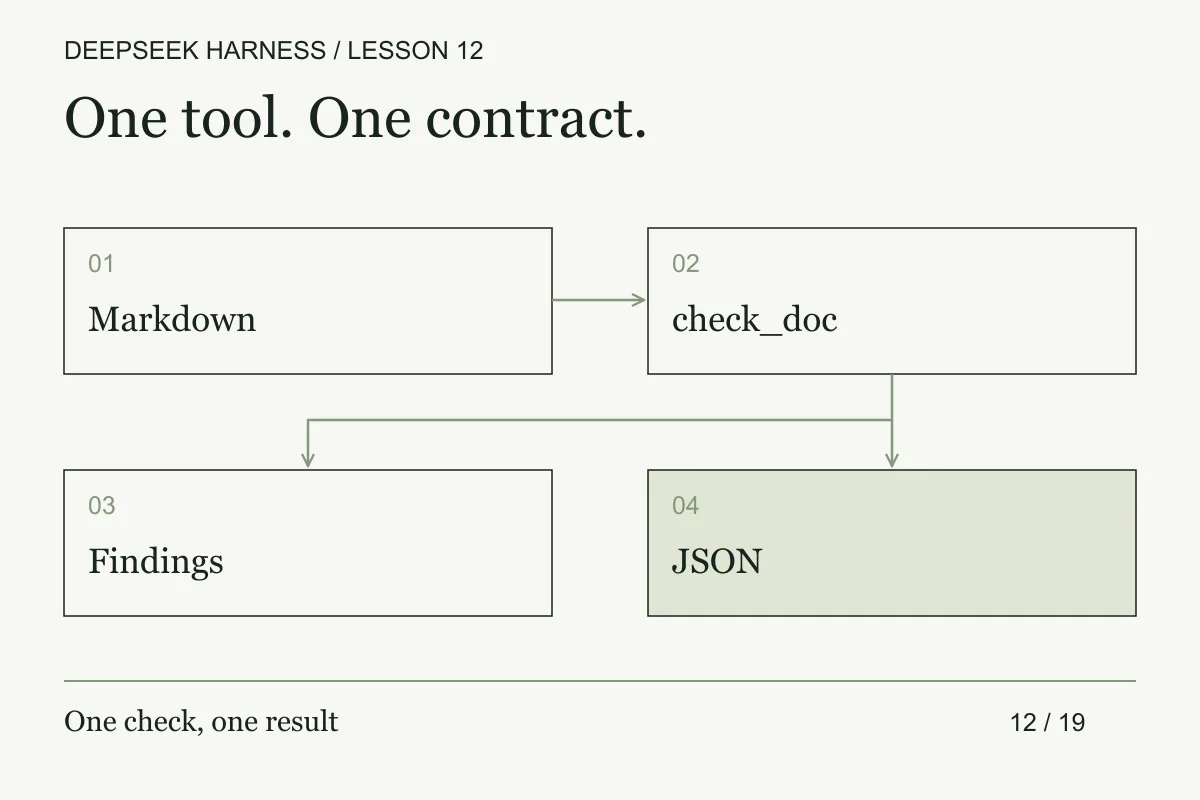
Turn a tested document checker into a DSH tool with bounded input, structured results, readable findings, and explicit error behavior.
Course syllabus · lesson 12 of 19
In this lesson
The useful unit of agent tooling is a contract, not a clever function. A tool can do one small thing, but its inputs, outputs, limits, and failure states must be legible to the next step.
The workbench already knows how to check a document. This lesson exposes that existing function to DSH without creating a second implementation, parsing a cheerful “looks good” message, or hiding filesystem authority inside a formatting check.
Prerequisites
Use the complete workbench from lesson 10. For the optional Harness integration, finish the source-mode plugin setup and have that built checkout available. The local JavaScript tests do not need it.
What you will build
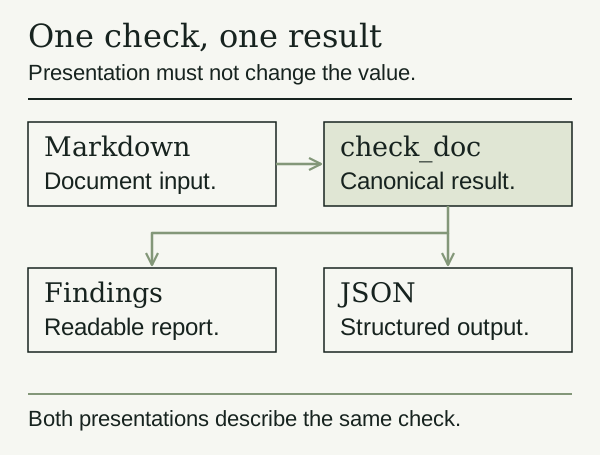
The check_doc tool accepts a title and Markdown text. It returns { valid, issues }. It checks exact title, Purpose, Example, and Recovery headings outside fenced code; placeholder markers; and unclosed fences. It does not read a path, write a file, contact a server, or prove that a command in the document is correct.
The text limit is 20,000 JavaScript string code units; the title limit is 120. Those are our example's bounds, not Harness limits. The checker scans the text in O(n) time with O(n) temporary storage. It is a small teaching checker, not a complete Markdown parser.
Practice: prove the function before wiring it in
Open check-doc.mjs and run:
node --test check-doc.test.mjs
node check-docs.mjs --reference
node check-docs.mjs --broken
The tests and reference check should pass. The immutable broken fixture should fail with a placeholder finding and missing Recovery heading. It remains available after you repair your working document.
Now inspect plugin.ts. It imports that same function, registers check_doc, and declares one canonical output:
output: {
  schema: {
    type: 'object',
    additionalProperties: false,
    properties: {
      valid: { type: 'boolean', required: true },
      issues: {
        type: 'array',
        items: { type: 'string' },
        required: true,
      },
    },
  },
  render: (_args, value) => [{
    type: 'text',
    text: value.valid
      ? 'Document meets the workbench rules.'
      : value.issues.join('\n'),
  }],
}
This uses the current Harness schema DSL: required: true belongs to each property, and an explicit object states additionalProperties. Do not swap in an unrelated library's schema syntax.
Make a copy of cordis.template.yml named cordis.yml. Replace its placeholder with the absolute path to the extracted plugin.ts, keeping the insert operation and stable entry ID:
- insert:
    - id: docs-workbench-tool
      name: '/absolute/path/to/deepseek-workbench/plugin.ts'
A --patch file describes changes to a composition; a bare - name: row does not insert a plugin there. This follows the official first-plugin overlay. From the built Harness source checkout, launch:
pnpm dsh web --patch /absolute/path/to/deepseek-workbench/cordis.yml
The path is an instruction to substitute, not a working path on your machine. Select the workbench in the Web UI. Ask the agent to read docs/workflow.md and call check_doc with title Review a documentation change and the actual file contents. Request findings only, with no edit.
This follows the official first-tool integration. Our credential-free suite tests the shared checker, not module resolution, the upstream registry, or a live model call. Verify those separately in your installed version.
Break and recover
Compare two failures. A document missing a Recovery heading is a successful check returning valid: false. An empty text argument is invalid input and throws. The registered tool's required/type schema catches malformed model arguments; the function handles constraints such as non-empty text and length.
The tool contract also validates canonical output. Throwing or returning a value that violates its schema becomes an error, not a valid document result. Do not claim the local checker tests exercise that upstream validation layer.
If the plugin does not load, inspect the startup error, absolute module path, and tools dependency. Fix the overlay before asking a model to retry. If it loads but the tool is absent, inspect the selected composition and tool restrictions. Never fix a missing tool by giving the agent broader access without understanding the cause.
In a compatible Code/PTC composition, registered tools are reachable through generated bindings such as await tools.check_doc({ title, text }). That expression belongs inside the Harness code tool, not a terminal. It resolves to the canonical object; it does not require parsing rendered text. Use the generated binding your session actually exposes.
Make it yours
Add one requirement to the pure checker and an independent test case before changing the wrapper. For example, require a ## Accessibility heading for component documentation. Keep content checks separate from network calls or file mutations. If you later add asynchronous I/O, propagate the execution signal to that operation; the current bounded synchronous tool checks cancellation before work begins.
Do not expect the Host's presentation helpers to create a custom Web card. The built-in Web Client has a separate rendering contract. A generic tool card is enough to verify this lesson.
Completion check
- The reference passes and the broken fixture fails for the intended reasons.
- You can distinguish a document finding from an invalid tool call.
- The plugin reuses the tested function and returns the declared canonical value.
- Any live integration result is recorded separately from local test evidence.
- Your extra rule has a test that would fail without it.
Expand the contract without expanding authority
The first document checker has a narrow request and a canonical result. Before you add options, write the boundary that must remain true: it reads only the assigned workbench, returns findings tied to paths and rules, and never edits the source. An option such as root or includeGenerated can break that boundary if it changes path resolution or includes untrusted output.
Separate schema validation, policy validation, and domain validation. Schema validation answers whether the JSON has the right types. Policy validation answers whether this caller may inspect the requested path. Domain validation answers whether the document contains the required sections. Return those failures separately so the agent can correct an argument, request authorization, or repair the document instead of retrying the same call.
Add contract tests for path traversal, symlinks, unreadable files, malformed UTF-8, an empty document, duplicate headings, and a clean document. Use a fixture directory with a known digest and assert that every test leaves it unchanged. If the checker emits line numbers, assert that the numbers point to the actual source after normalization. These details matter once a finding becomes an input to another worker or a release decision.
For the live integration, compare the tool call's serialized arguments with the local function's test inputs. Record the tool schema revision, plugin revision, result, and any policy decision. A passing unit test proves the checker. It does not prove the runtime registered the intended file or preserved the same contract.
Next, make a personal preset so this capability has an explicit place in your environment.
Before you move on
Try it in your workspace
Define a narrow tool contract with bounded input, canonical output, deterministic failures, and no hidden filesystem authority. Test the function before exposing it to the agent.
Keep a short note of what you tried, what passed, and what you still need to check.
0 of 3 checked.
Saved in this browser when storage is available. Uncheck any item to revisit it. This is your own record, not an assessment.